
Marketing Automation Software to Build Custom Workflows
Build custom workflows for remarketing, cart recovery, form submissions, and lifecycle campaigns without writing a line of code. Start from one of a hundred-plus templates, connect the tools you already use, and let triggers like a Paystack payment or a Flutterwave transaction do the rest.
Everything you need to automate a customer journey, from trigger to send.
Marketing automation should save you time, not add another tool you have to babysit. Set a trigger, a payment, a form submission, an abandoned cart, and let Circle handle what happens next across email, SMS, and WhatsApp from one dashboard. No developer needed, and every workflow runs the same way whether you have ten contacts or ten thousand.
Build Your Custom Automations
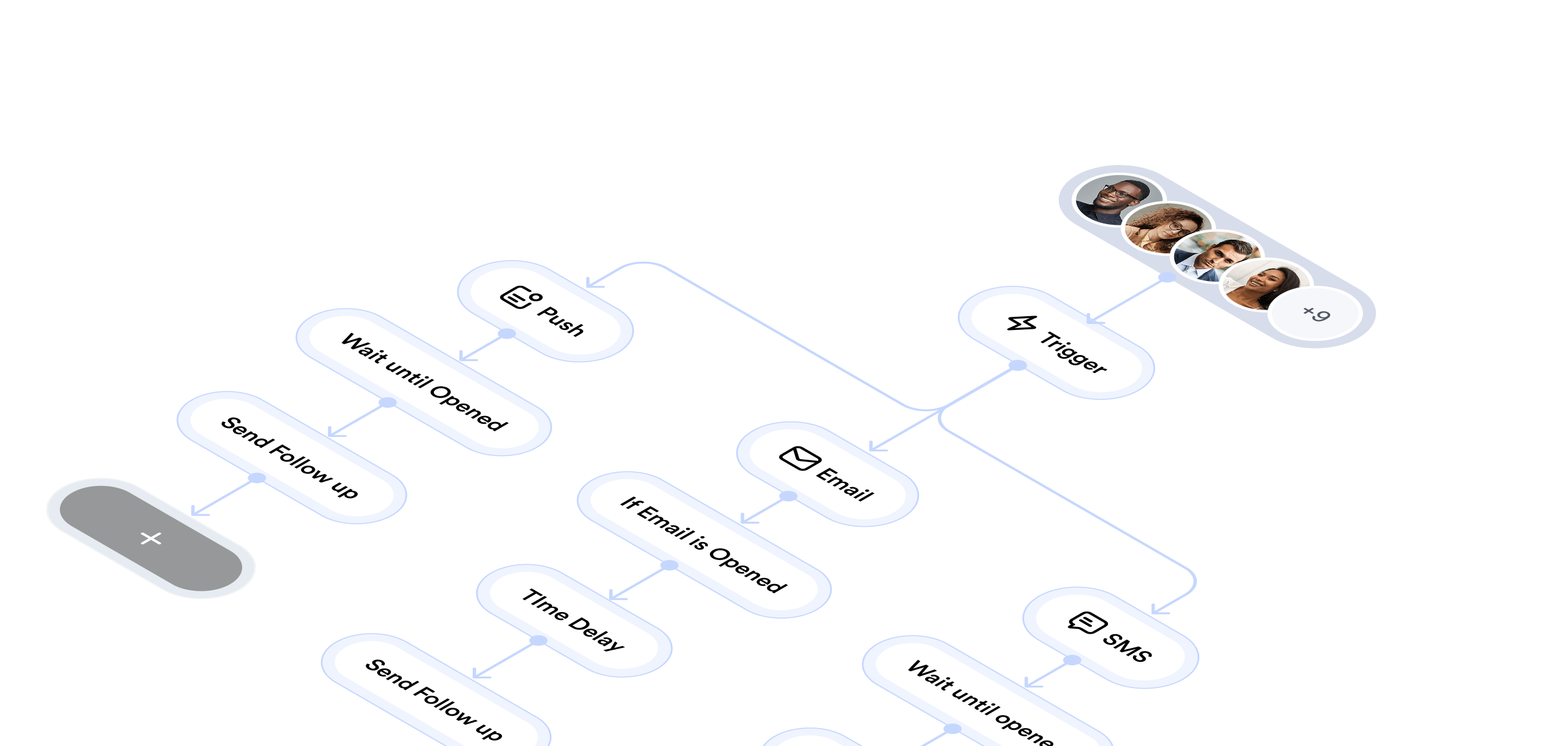
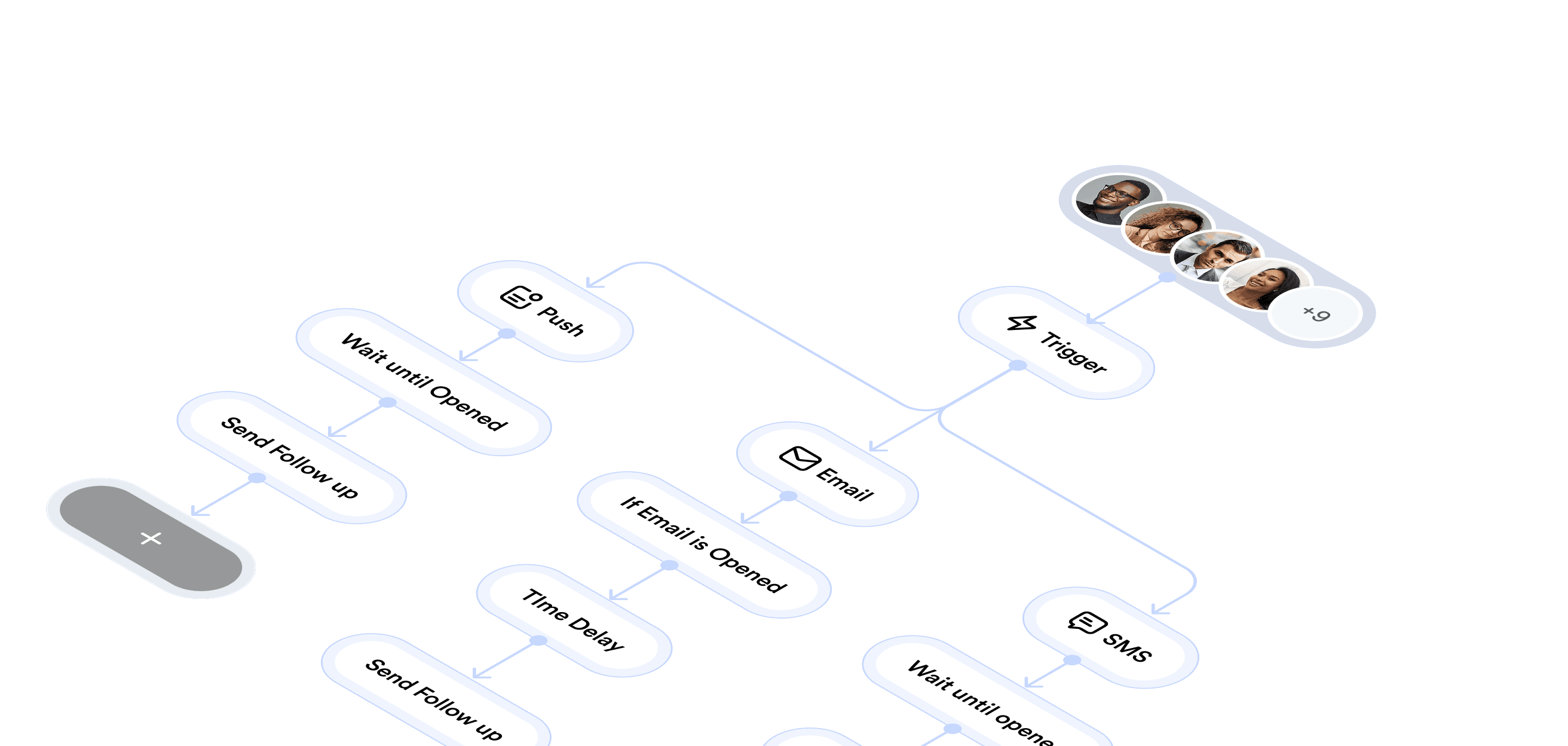
Drag conditions and actions onto a canvas and the logic builds itself. Send a welcome series after signup, follow up on an abandoned cart two hours later, or branch a sequence based on whether someone opened your last email. Each workflow updates in real time, so a contact who converts on step two of a five-step sequence stops receiving the rest of it automatically. Clone a working automation and adjust the timing to launch a variant without rebuilding it from scratch.
Workflow Templates
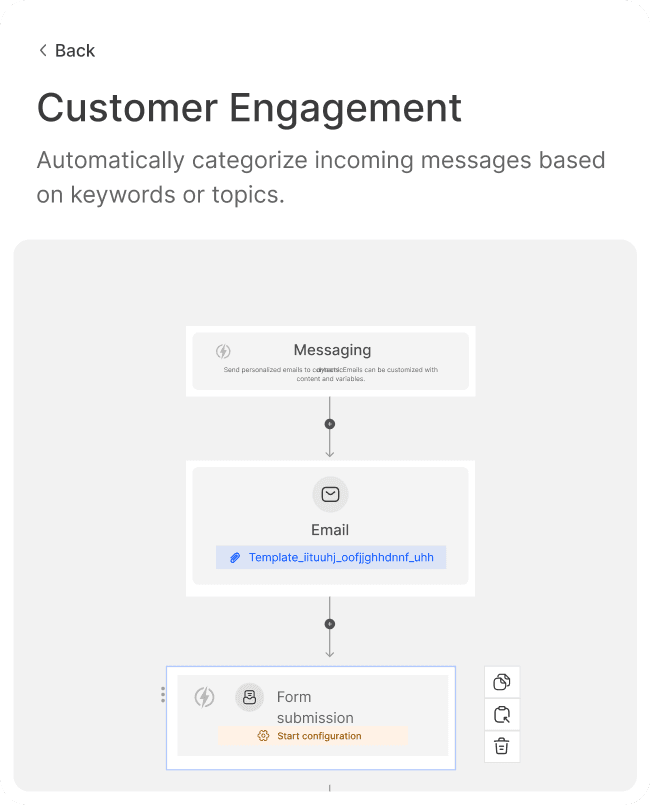
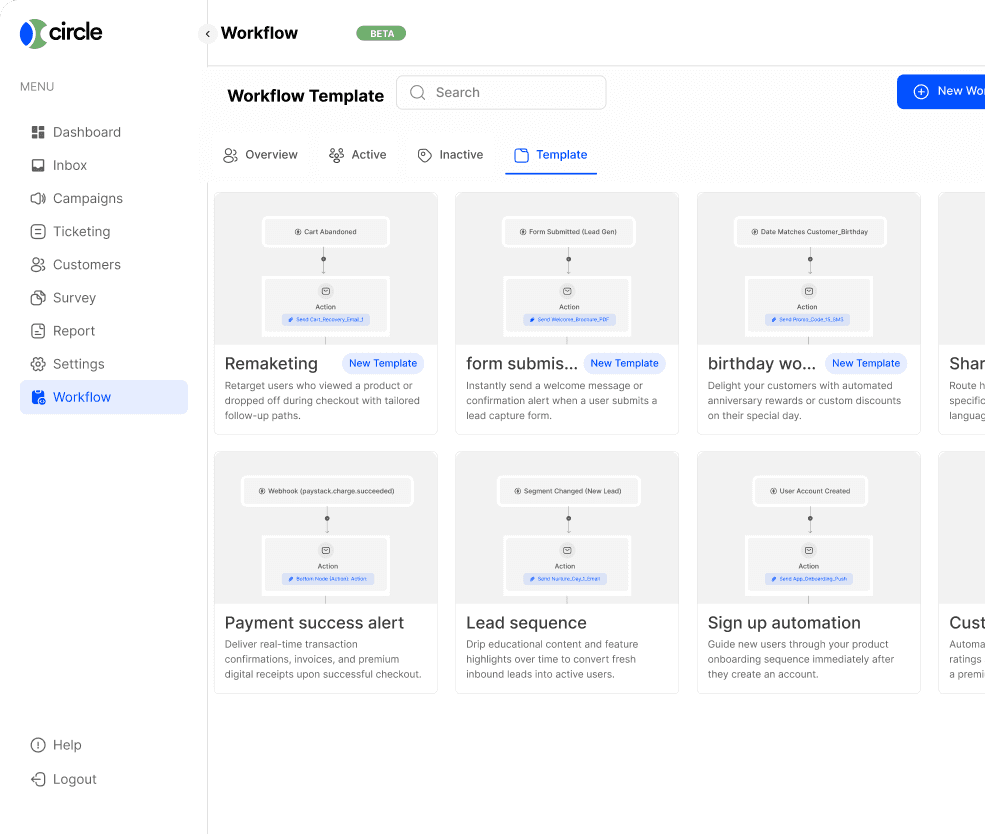
Starting from a blank canvas is slow, so most teams do not. Circle ships with more than 100 templates covering the automations that actually get used: cart recovery, birthday and anniversary sends, re-engagement for contacts who have gone quiet, and auto-responders that fire the moment someone submits a form. Pick one, swap in your own copy and branding, and it is live in minutes instead of the half day it usually takes to plan a sequence from nothing.
Integrate with Hundreds of Other Tools
Your automations do not have to live apart from the rest of your stack. Circle connects to Zapier, Gmail, WhatsApp, Facebook, Instagram, Keap, Outlook, and dozens of other tools, so an event in one system can trigger a workflow in another. A new deal in your CRM can kick off a welcome sequence. A closed support ticket can trigger a satisfaction survey. If a tool is not on the list yet, custom webhooks let you send and receive events from anything with an API.


Workflow Logs
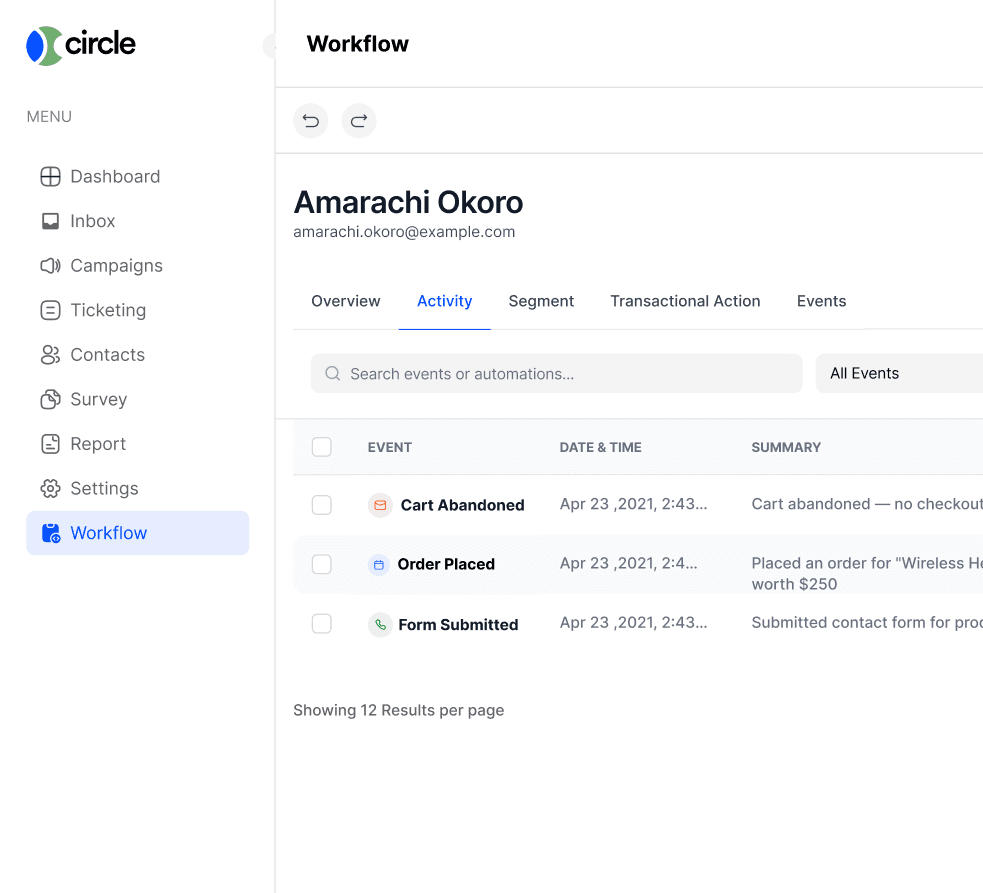
Automation only works if you can see what it is doing. Every workflow keeps a full log of what fired, when, and to whom, so if a customer says they never got an email you can check in seconds instead of guessing. Failed sends and skipped steps show up in the same view, which turns debugging a broken automation into a five-minute job instead of an afternoon of digging through support tickets.