
Transactional Email Service: Send Email, SMS & Push via One API
CircleHQ is a transactional email service with one API. Design ready-to-use templates that work across email, SMS, and push to reach your customers.
Built for the messages your customers are actually waiting for.
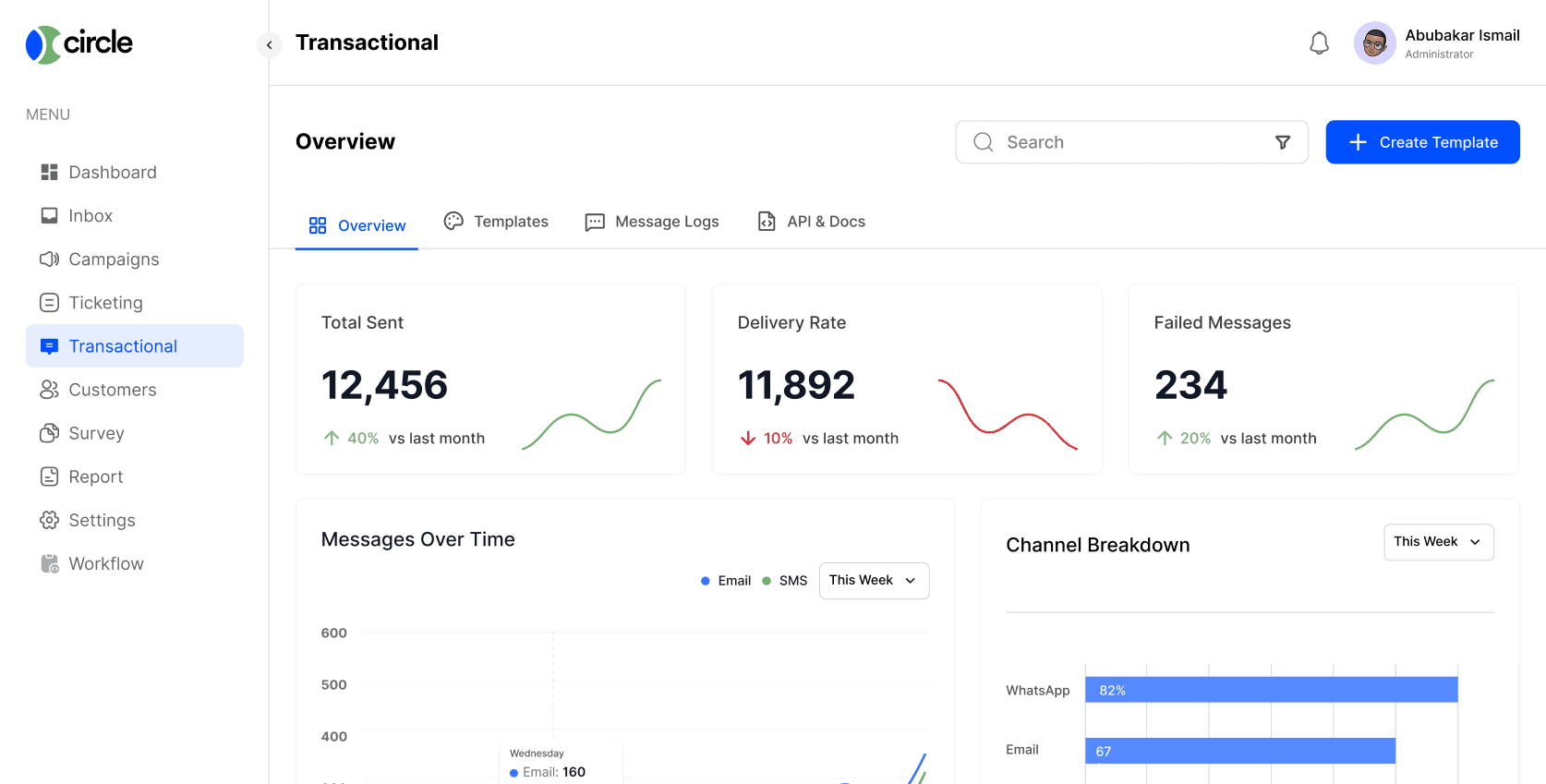
An OTP that arrives thirty seconds late is a support ticket. A receipt that never shows up is a refund request. Circle routes transactional messages on dedicated infrastructure, separate from marketing sends, so the emails and texts your customers expect immediately actually arrive immediately.
Customisable Transactional Email Templates
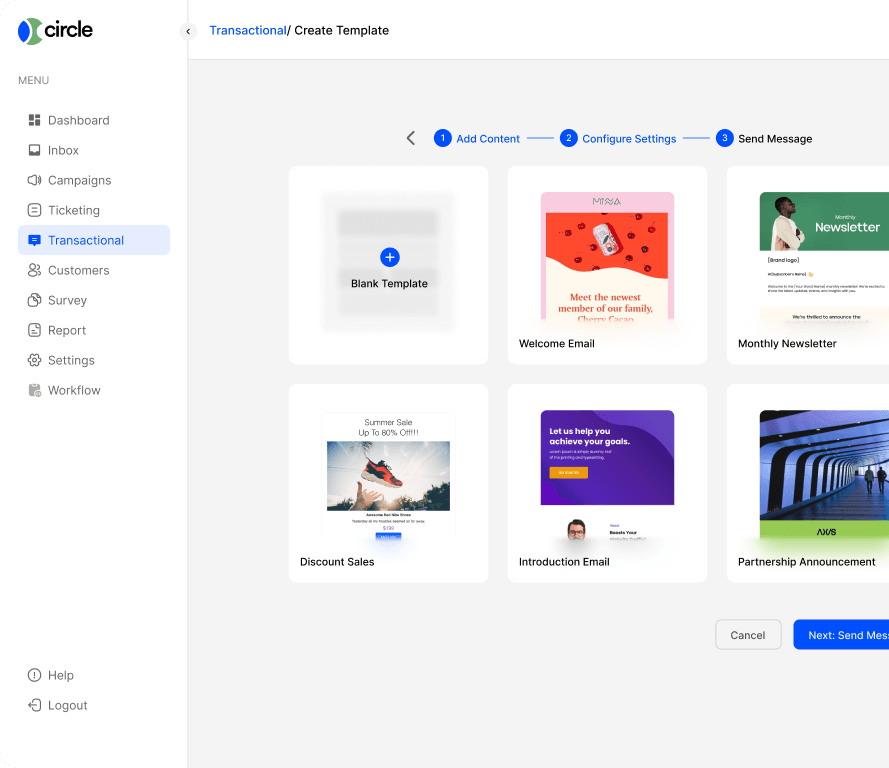
Build a template once, for an order confirmation, a shipping update, a password reset, and reuse it for every customer who triggers that event. Variables like the customer's name, order number, or reset link get injected automatically, and the template renders correctly on any device without you testing every email client by hand.
One Platform for Every Communication Insights Need
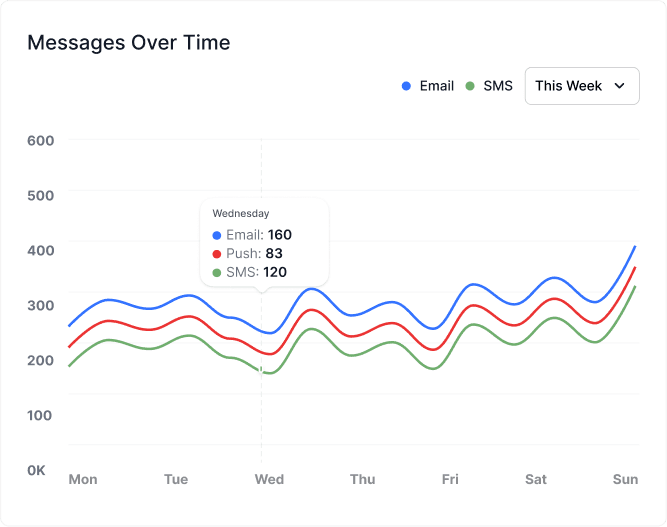
Marketing sends and transactional messages usually live in separate reports, which makes it hard to see the full picture of what actually reached a customer. Circle puts both in one view, so you can see delivery, opens, and response side by side instead of stitching two dashboards together by hand.

API Documentation In Minutes
Create an account, grab an API key, and send your first transactional email or SMS with a single request. The docs include copy-pasteable examples in the languages most teams already use, so a developer can go from signup to a live integration in an afternoon instead of a sprint.
View API documentation
Powerful Analytics
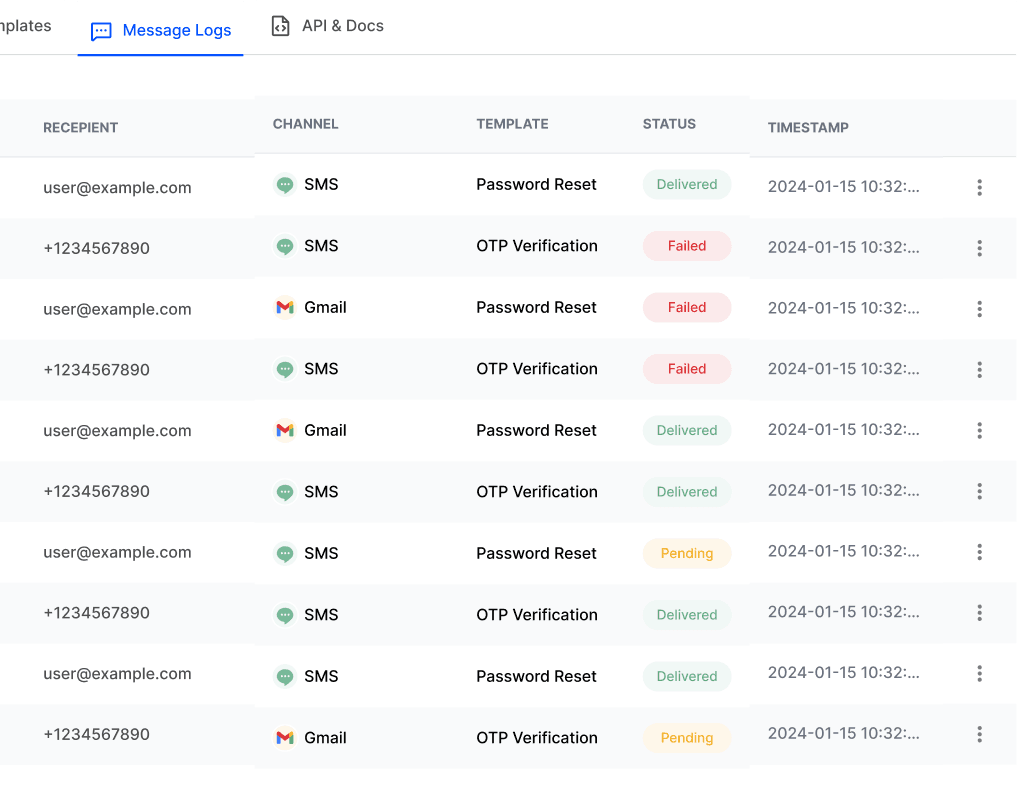
Every message logs its own delivery status, so when a customer says they never got their OTP, you can look up that exact send and see whether it was delivered, bounced, or still queued. Filter by message type, recipient, or date range to catch a delivery problem before it turns into a wave of support tickets.