

Safeguard Your Data and Manage Access with Precision
Circle's user access control and security is a robust solution that protects your data while giving you precise control over user access.
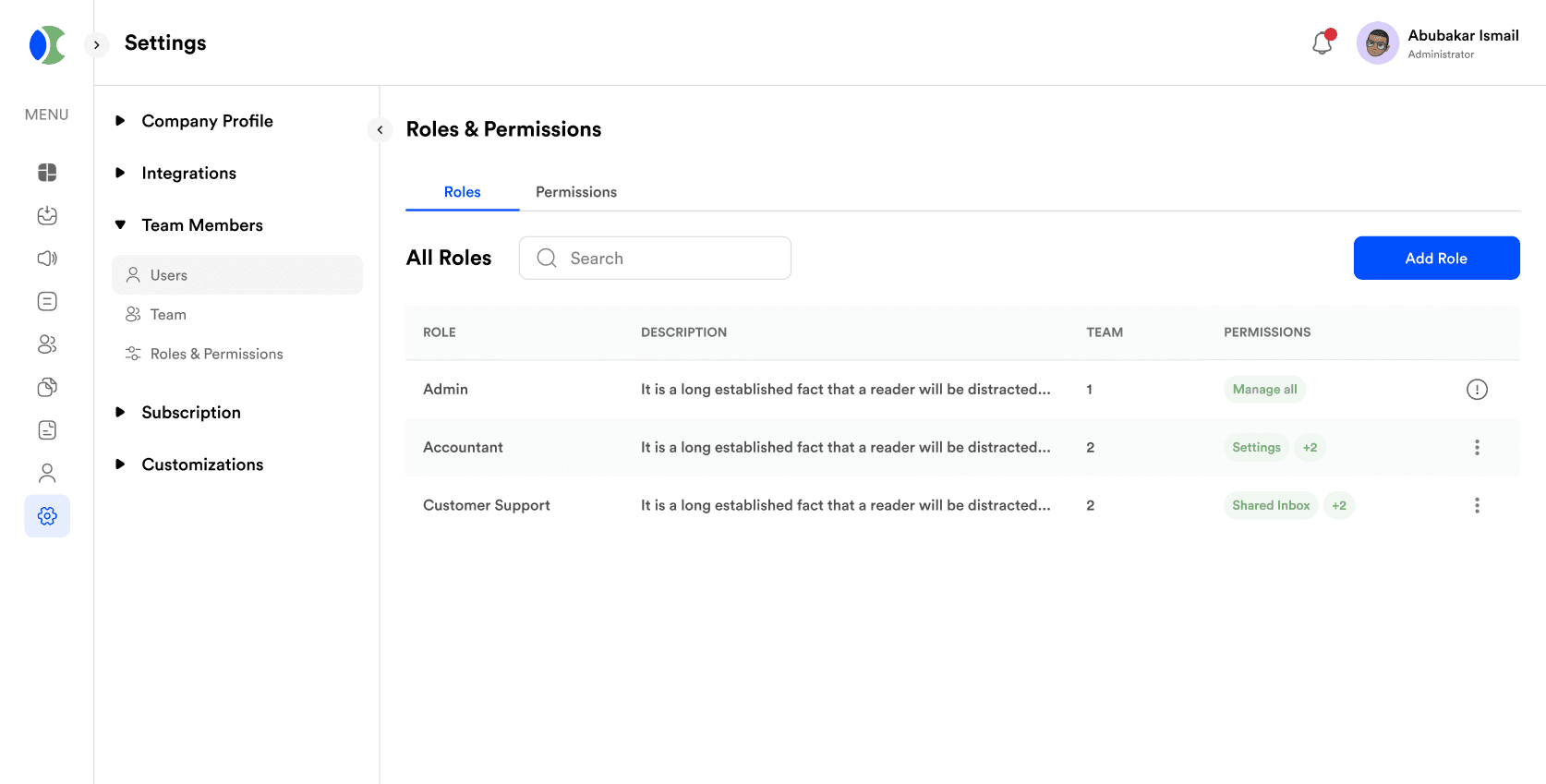
Give every teammate exactly the access they need, no more and no less.
A growing team means more people touching customer data, and that raises the stakes on who can see what. Circle's access controls let you define exactly what each role can do, back it with 2FA, and keep a full audit trail, so security scales with your headcount instead of becoming an afterthought.
Role-Based Access Control
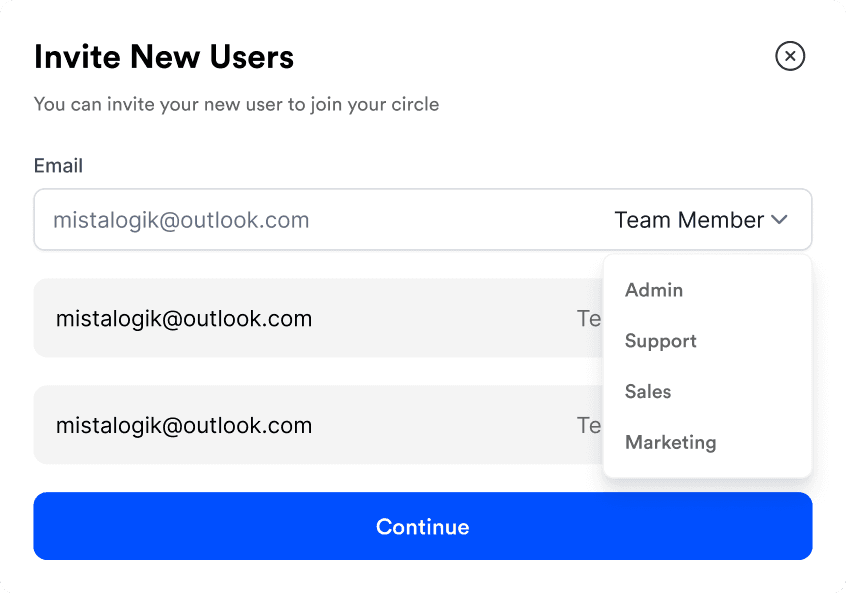
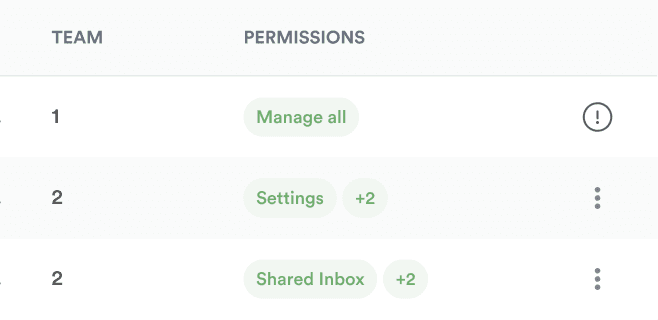
Define roles like admin, manager, and contributor once, and every new hire who gets assigned that role automatically inherits the right permissions. Nobody has to remember to manually restrict access on day one, and revoking it on someone's last day is a single click instead of a checklist.
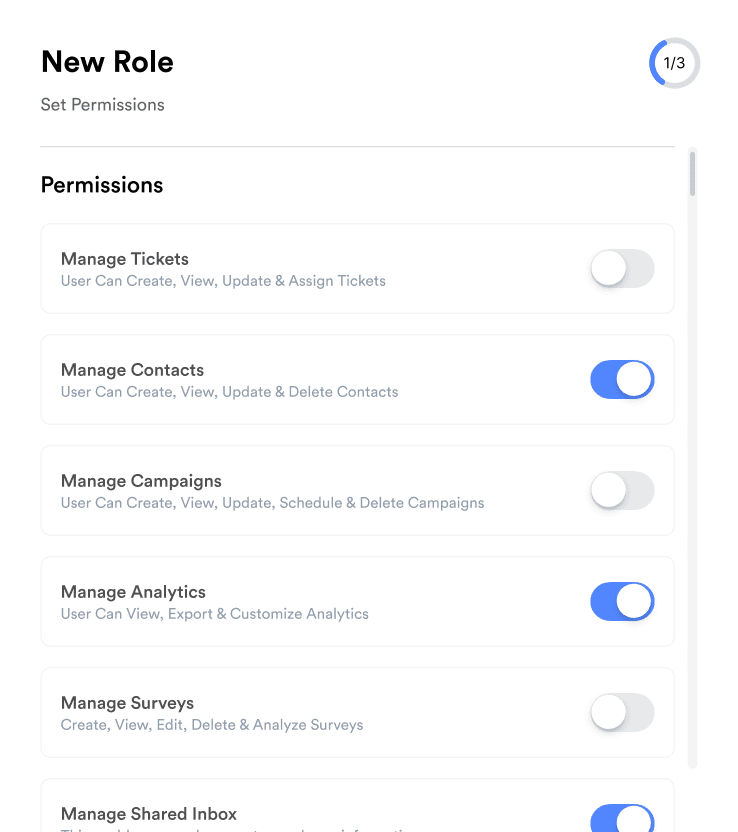
Granular Permission
Sometimes a role isn't enough on its own, a contractor might need to see campaign performance but not billing, or a support agent might need contact details but not export access. Adjust permissions at the individual level on top of a role, so the exception does not force you to create a whole new role for it.
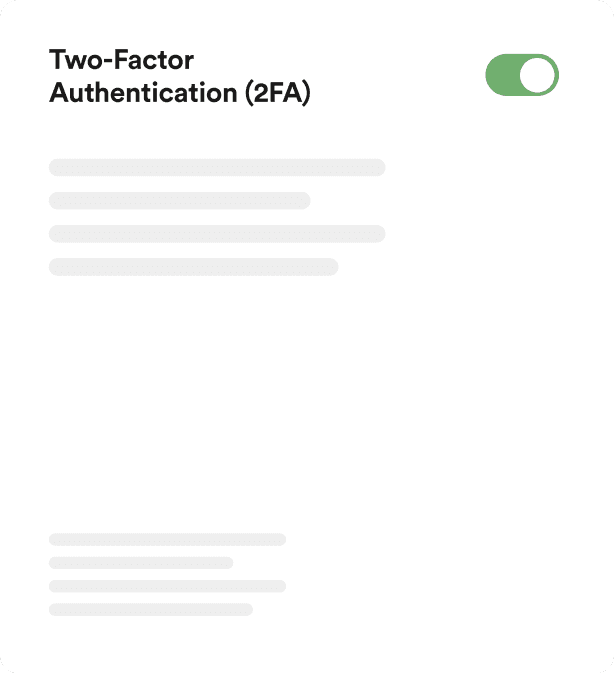
Two-Factor Authentication (2FA)
A password on its own is one leaked credential away from a breach. With 2FA turned on, logging in also requires a code from an authenticator app, so a stolen password alone is not enough to get into an account. You can require it account-wide or leave it optional per user.
Access Monitoring and Reporting
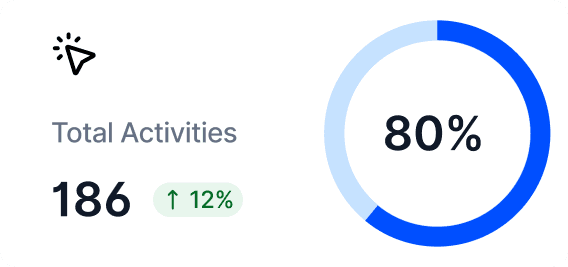
Every audit log entry records who accessed what, when, and what they changed, so if a customer record looks wrong or an account setting shifted unexpectedly, you can trace it back to the exact action instead of asking around the team and hoping someone remembers.
.91f16b44.png&w=1920&q=75)
User Management
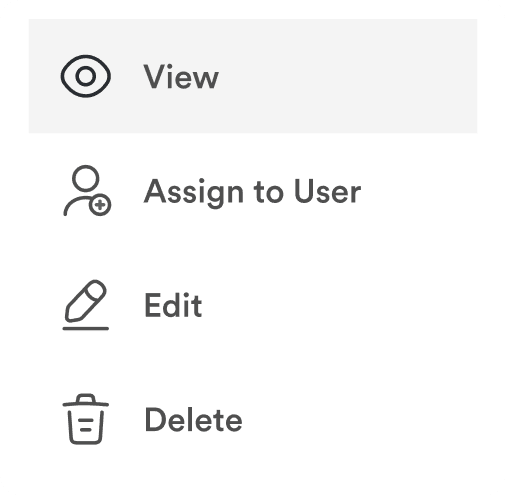
Add a new hire, adjust someone's role after a promotion, or remove access the day someone leaves, all from one dashboard instead of hunting through settings menus. Bulk actions handle team changes at once, so onboarding ten people doesn't mean repeating the same five clicks ten times.
Automatic Session Timeout
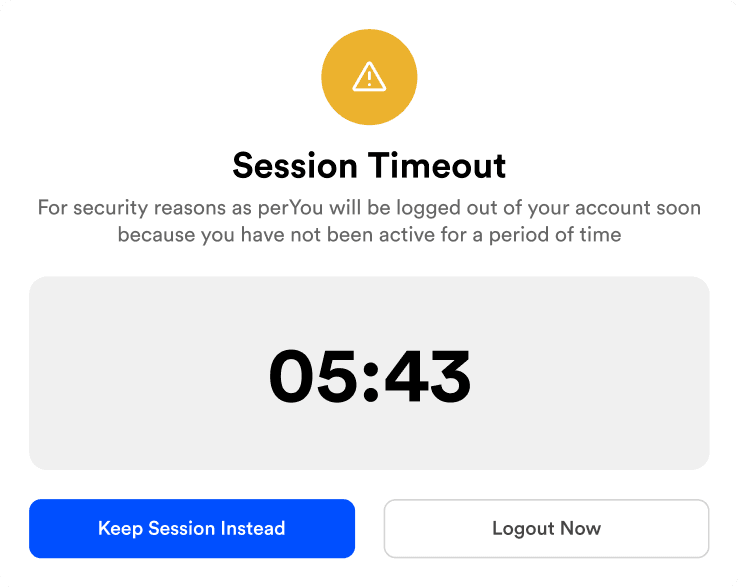
A laptop left open on a shared desk is a real risk if the session never expires. Set how long an account can sit idle before it logs out automatically, so a forgotten tab doesn't stay signed in indefinitely.
Security that satisfies both your compliance team and your users.
Enhanced Data Security
Protect your business data with advanced security measures. Control who has access to sensitive information, ensuring that only authorized users can view or modify critical data.
Improved Compliance
Meet regulatory requirements and industry standards by implementing stringent access control policies. Ensure your business stays compliant with data protection regulations.
Customized Permissions
Tailor access levels and permissions to match your organizational structure. Assign roles and permissions based on job functions, ensuring that team members have access to the tools and information they need without compromising security.
Auditable Action
Keep track of user activities with detailed audit logs. Monitor who accessed what information and when, providing transparency and accountability within your organization.
Service Level Agreement (SLA) for businesses
Get a Service Level Agreement (SLA) for business accounts, with guaranteed uptime and support response commitments your team can rely on.
Data Processing Agreement (DPA)
Sign a Data Processing Agreement (DPA) that spells out how your customer data is stored, processed, and protected, so you stay compliant.